
Floating Widgets
Widget overlays
Your widgets, wherever you are on the phone.
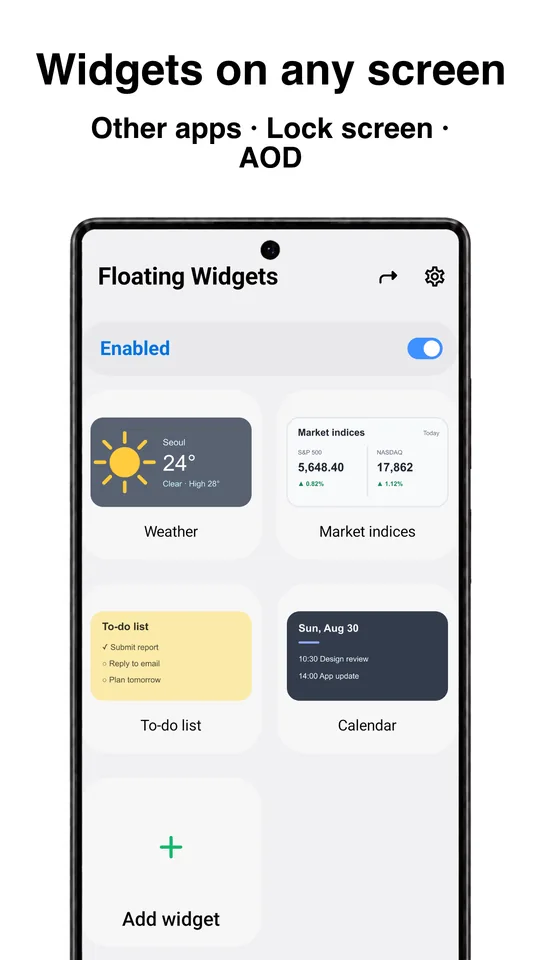
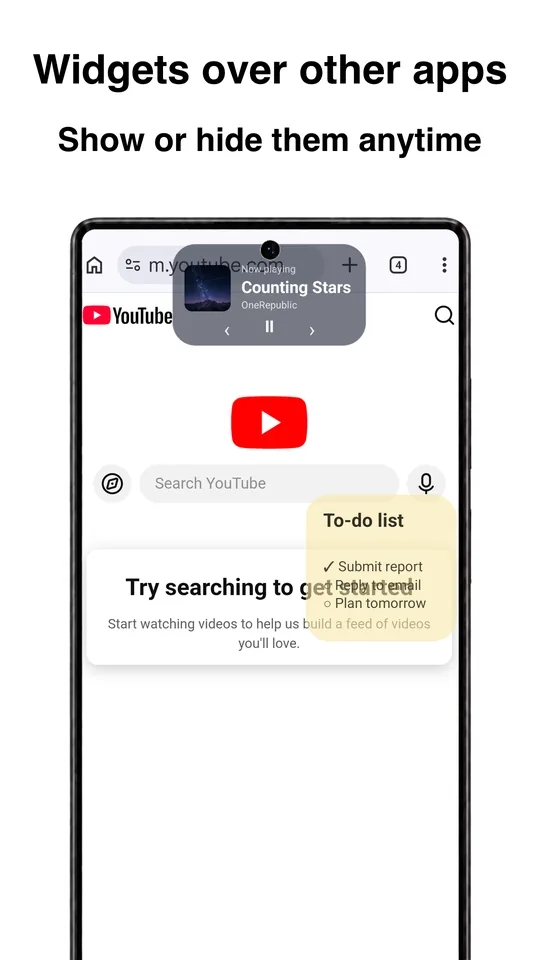
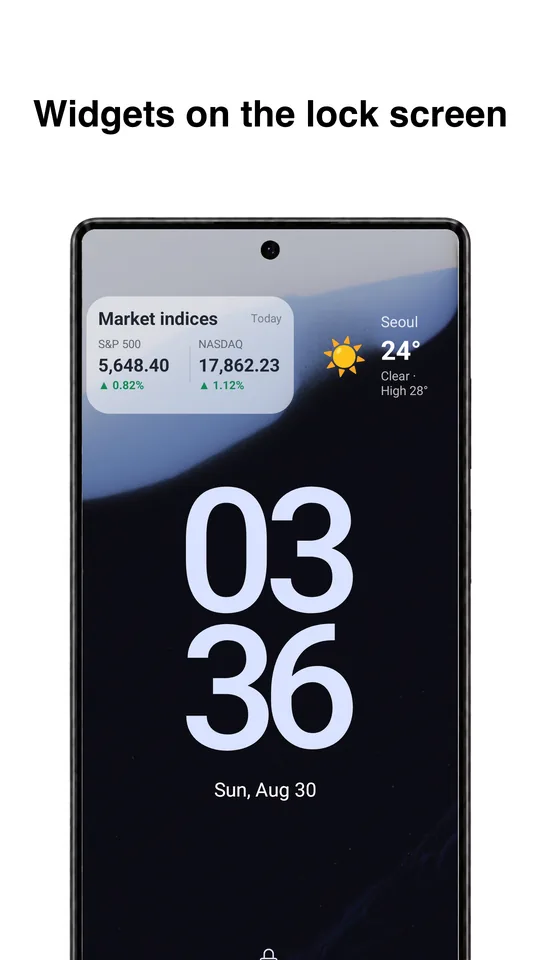
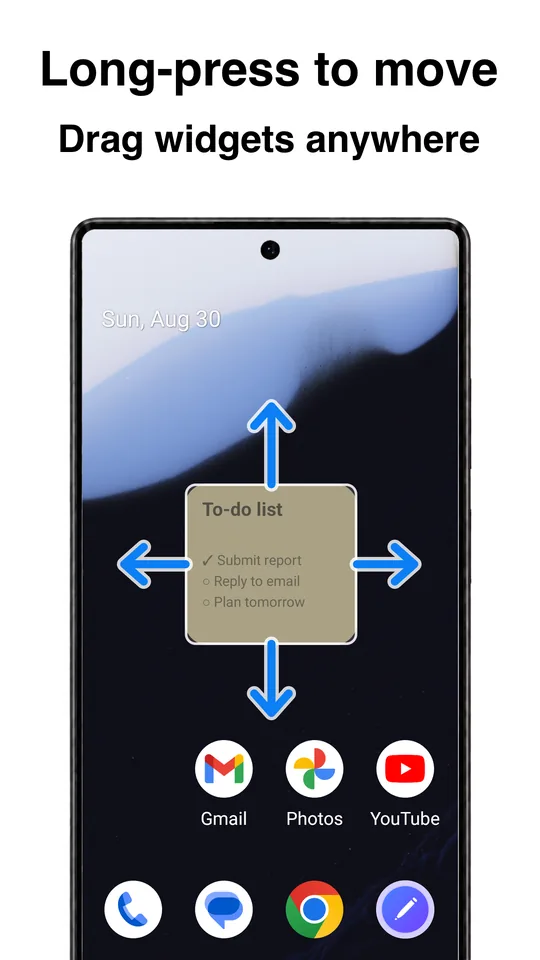
Pick any Android widget and float it over other apps, keep it on the lock screen as a lock screen widget, tuck it into the status bar or leave it on the always-on display. Show or hide it any time and drag it wherever you want.
Floating Widgets screenshots
What this floating widget app does
Android widgets normally live on the home screen. Floating Widgets is a floating widget app that lets them follow you: a clock, calendar, weather or music widget can sit on top of whatever app you are using, stay on the lock screen, or show on the always-on display while the screen is off.
You add a widget once, place it, and then show or hide it whenever you like. Each widget keeps its own size, position and look, so a small clock in a corner and a wide calendar across the top can live side by side.
Made by AnyDroid, the app works without an internet connection and does not need an account.
Floating widgets over other apps, the lock screen and AOD
- Unlocked screen and other apps
- Lock screen
- Status bar
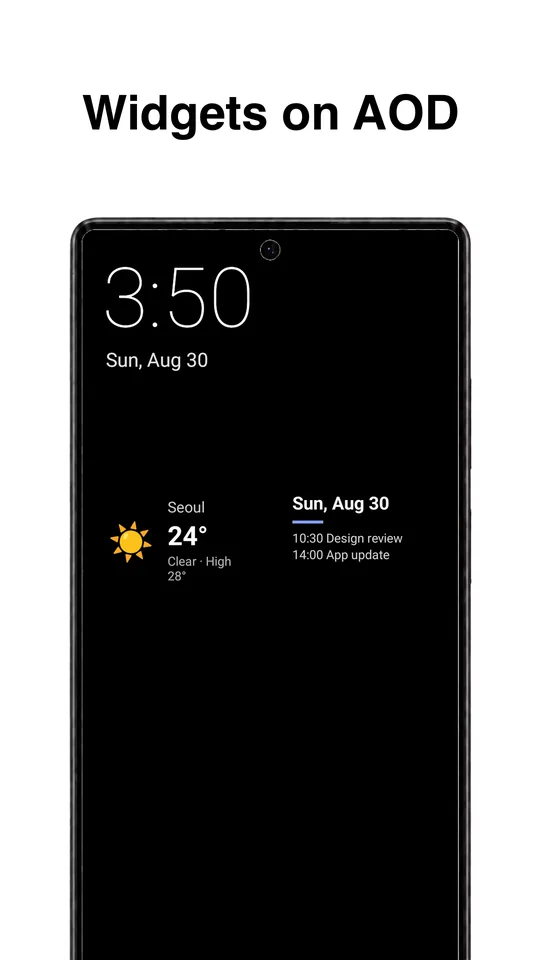
- AOD (Always On Display)
Lock screen widgets and always-on display (AOD) widgets depend on what your device and Android version allow.
Customize each floating widget
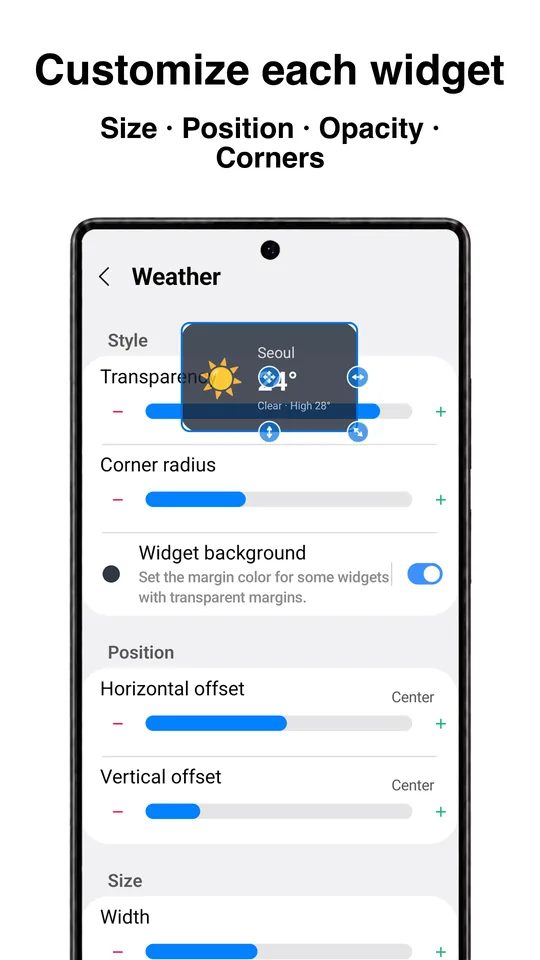
- Adjust size, width and height
- Set transparency
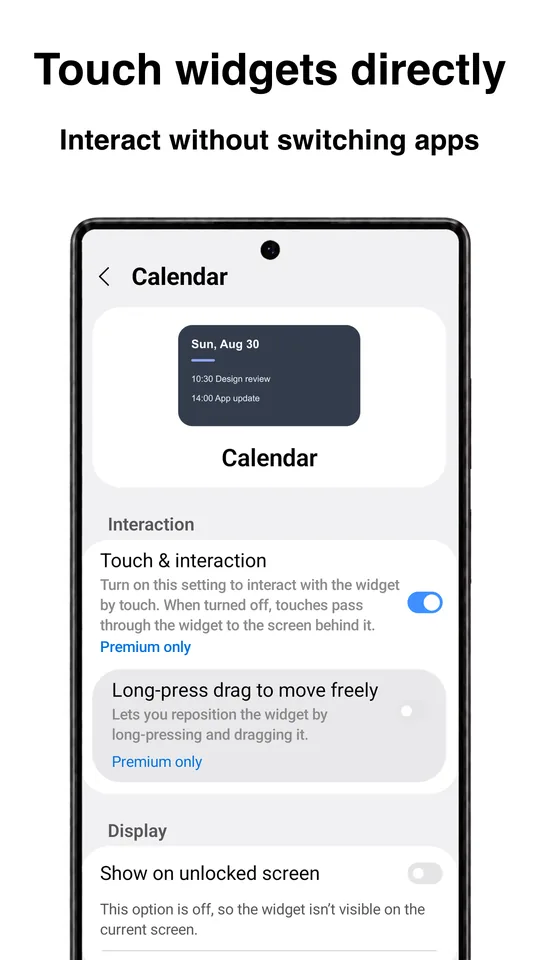
- Enable or disable touch interactions
- Move to any position on the screen
- Adjust the corner radius
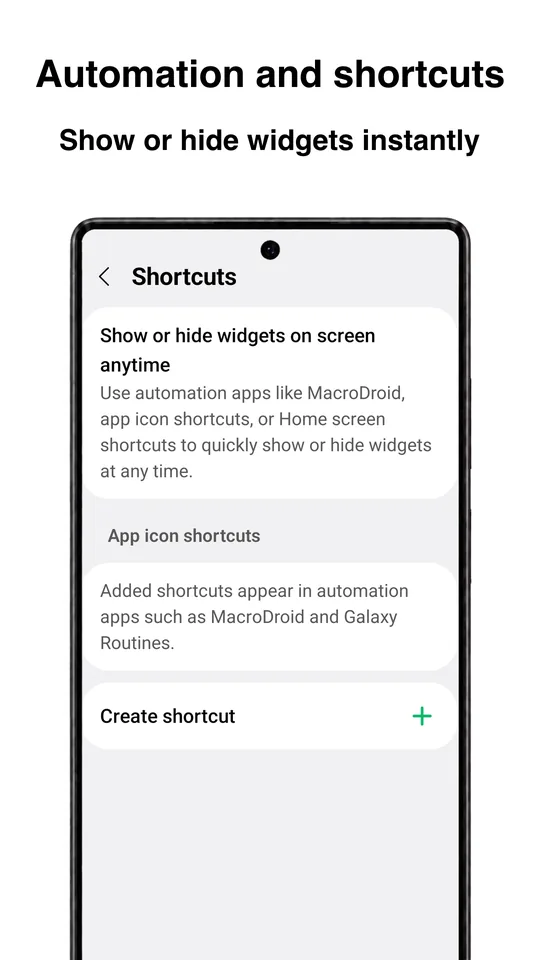
- Show or hide with one tap
Some advanced features require a purchase.
Permissions and privacy
Floating Widgets uses Android's accessibility service only to display the widgets you added over other apps. No personal information is collected or shared through the accessibility features, and the app can be used without an internet connection.
Read the full Floating Widgets privacy policy.
Floating Widgets FAQ
Which widgets can I float?
Any Android widget installed on your device: the same ones you can add to the home screen, from clocks and calendars to music players and note apps.
Does it work on the always-on display?
Yes. Floating Widgets can show widgets on the always-on display (AOD). Whether this is available depends on your device and Android version.
Can I tap the widget while it floats over another app?
Yes. Touch interaction can be turned on or off for each widget, so a clock can be tap-through while a music widget stays tappable.
Can I hide widgets quickly?
Yes. Widgets can be shown or hidden at any time without removing them, and they keep their position and settings.
Is Floating Widgets free?
Yes. The app is free and shows ads. Some advanced features require a purchase.
Why does it need the accessibility service?
Android requires it to draw the widgets you added on top of other apps and on the lock screen. It is used only to display those widgets, and no personal information is collected or shared.
Get Floating Widgets
Free on Google Play, from AnyDroid. Questions? Email support@anydroid.com.