

Assistive Touch
Touch shortcuts
One floating button. Every shortcut you reach for.
Assistive Touch is a floating button app for Android. Put a small button anywhere on the screen and give each tap, swipe and drawn gesture its own action. Go back, open an app, take a screenshot or control media without stretching for hardware buttons.
Assistive Touch screenshots
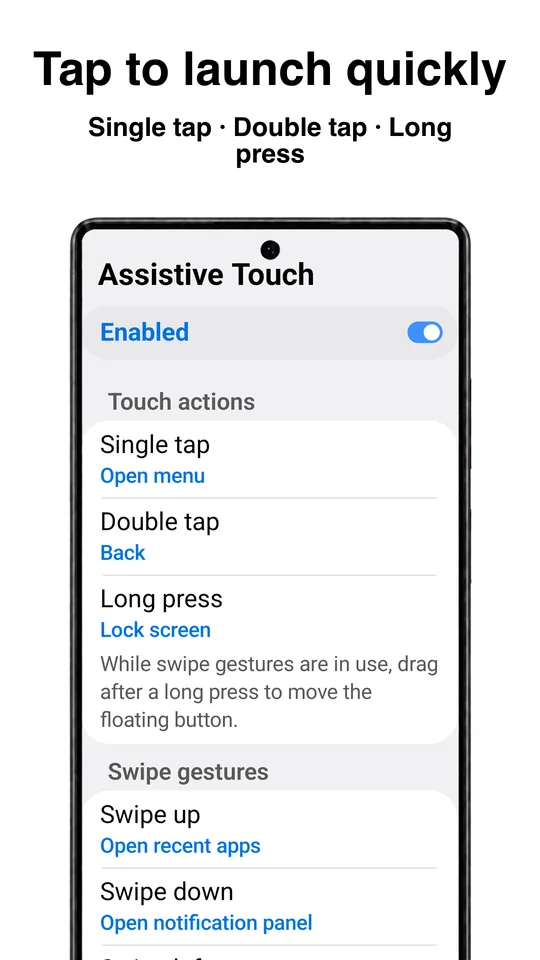
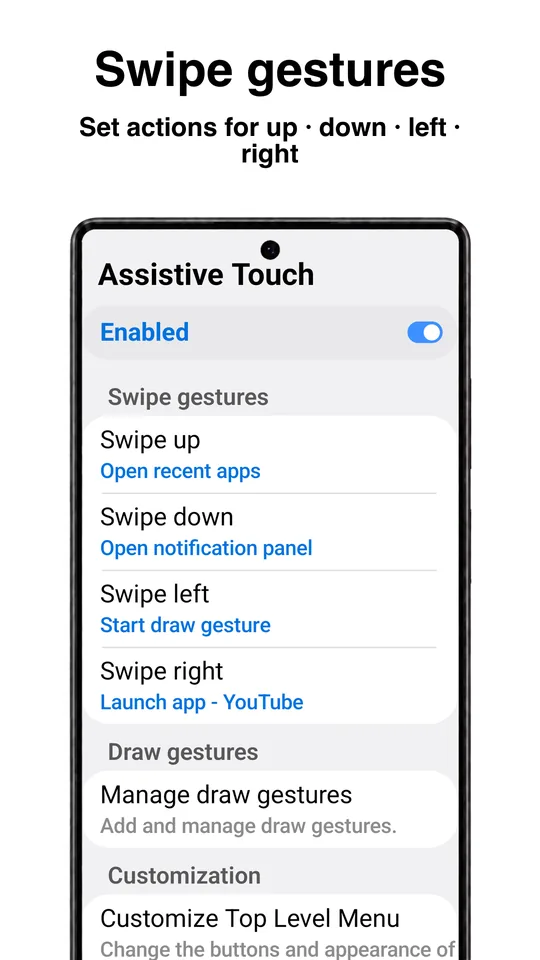
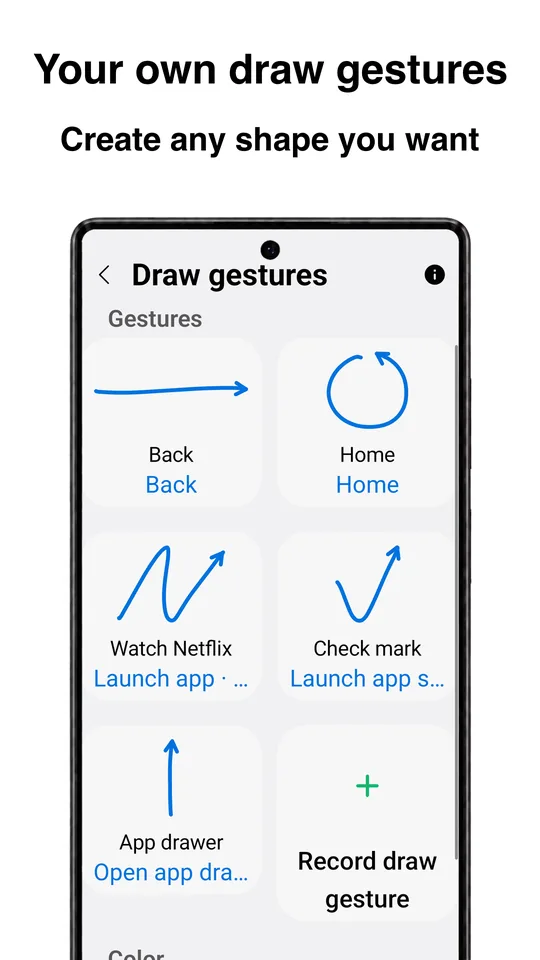
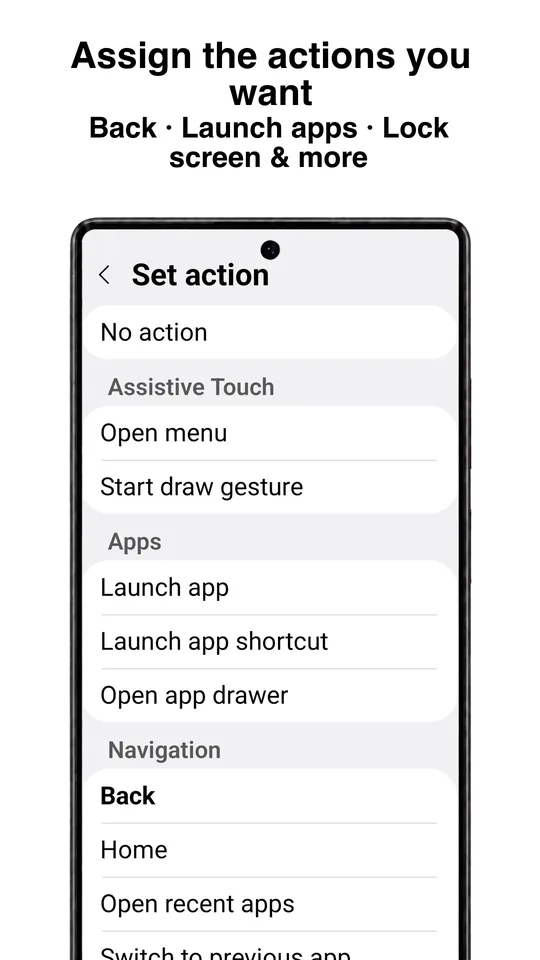
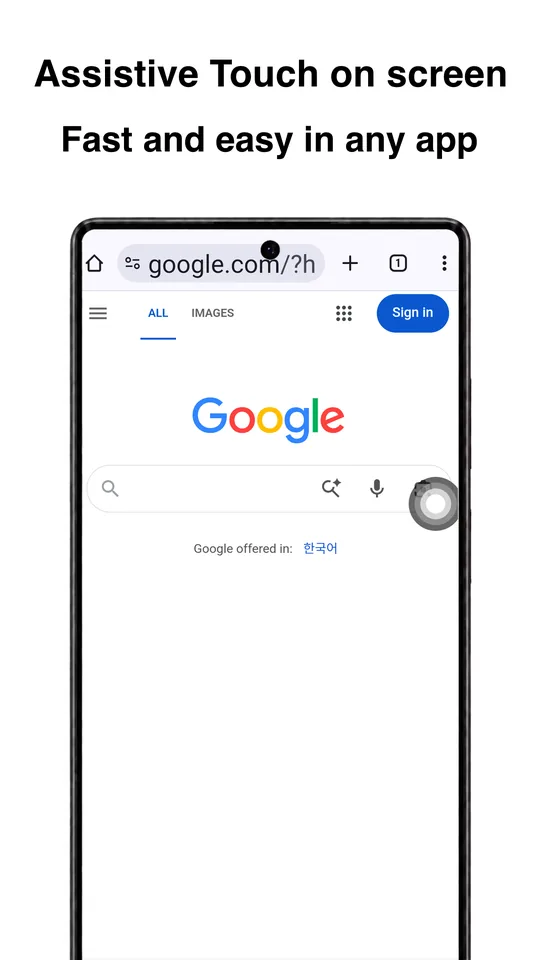
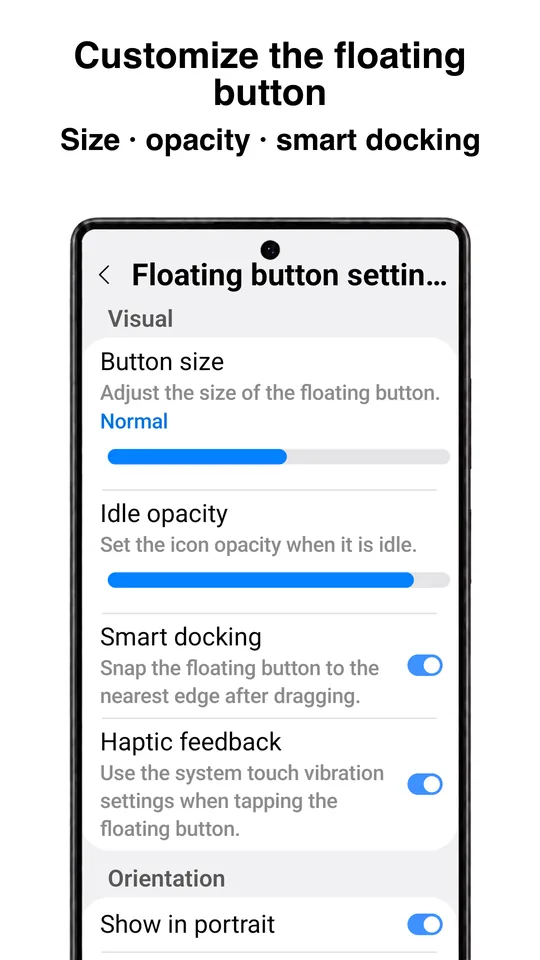
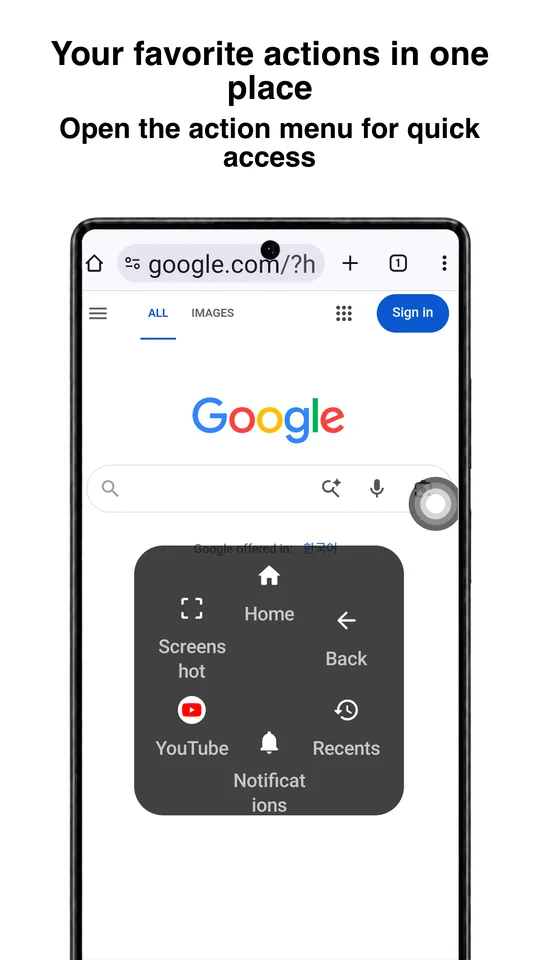
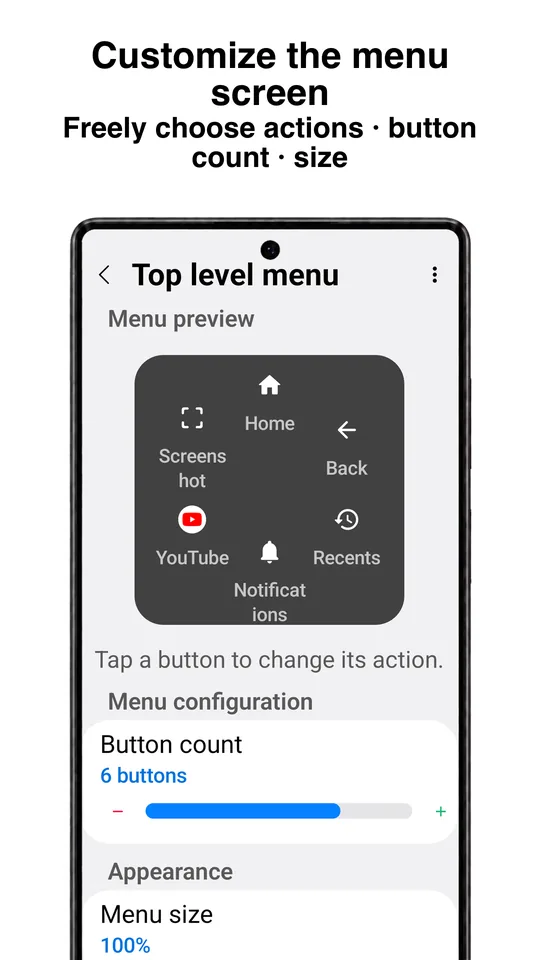
What this Assistive Touch app does
Assistive Touch adds a floating button that stays on top of your Android apps. Tap it, swipe across it or draw a shape on it, and the app runs the action you assigned: go back, go home, launch a favourite app, take a screenshot, adjust the volume and more.
It is useful when the Back button, Home button or power button is hard to reach or starting to fail, when you use a large phone with one hand, or when you simply want your most-used actions in one place. The button can be hidden in apps you exclude, so it stays out of the way in games or video.
Made by AnyDroid, the app works offline and does not need an account.
Assistive Touch gestures
- Single tap
- Double tap
- Long press
- Swipe up
- Swipe down
- Swipe left
- Swipe right
- Your own draw gestures
Draw gestures are shapes you record yourself, so a letter or a quick stroke can open exactly the app or setting you want.
Actions the floating button can run
- Go Home, go Back, open recent apps
- Switch to the previous app
- Launch apps and app shortcuts
- Lock the screen, take a screenshot
- Open the power menu, toggle the flashlight
- Open the notification panel, Quick Settings or app drawer
- Media volume, mute, skip tracks, play and pause
- Screen brightness and auto-rotate
- Voice assistant and web search
- Split screen and custom notifications
- And more
Some advanced features require a purchase.
Permissions and privacy
Assistive Touch uses Android's accessibility service only to run the actions assigned to your gestures, to display the floating button and gesture effects, and to hide the button in apps you exclude. No personal information is collected or shared through accessibility features.
Read the full Assistive Touch privacy policy.
Assistive Touch FAQ
What is the Assistive Touch button?
A small floating button that stays on top of your apps. Each tap, swipe or drawn gesture on it runs an action you choose, such as Back, Home, launching an app or taking a screenshot.
Can I move the button or hide it in some apps?
Yes. Drag the button anywhere on the screen, and exclude apps where it should not appear, such as games or video players.
Does it replace my Back and Home buttons?
It does not remove them. The floating button can do the same things, which helps when the Back button or Home button is hard to reach or no longer works.
Can I make my own gestures?
Yes. In addition to taps, long press and swipes, you can record draw gestures, shapes you draw on the button, and assign an action to each.
Is Assistive Touch free?
Yes. The Assistive Touch app is free and shows ads. Some advanced features require a purchase.
Why does it need the accessibility service?
Android only lets an app perform Back, Home, screenshots and similar system actions for you through the accessibility service. Assistive Touch uses it only to run your gestures, draw the button and hide it in excluded apps.
Get Assistive Touch
Free on Google Play, from AnyDroid. Questions? Email support@anydroid.com.